IN-HOUSE TECHNOLOGY
From planning to distribution,
we build our own tools
Canon management, production management, generation pipelines, and distribution automation — We are a technology studio that handles the full pipeline in-house. Instead of adapting our work to someone else's tools, we build tools that fit how we work.
01 — PRODUCTION
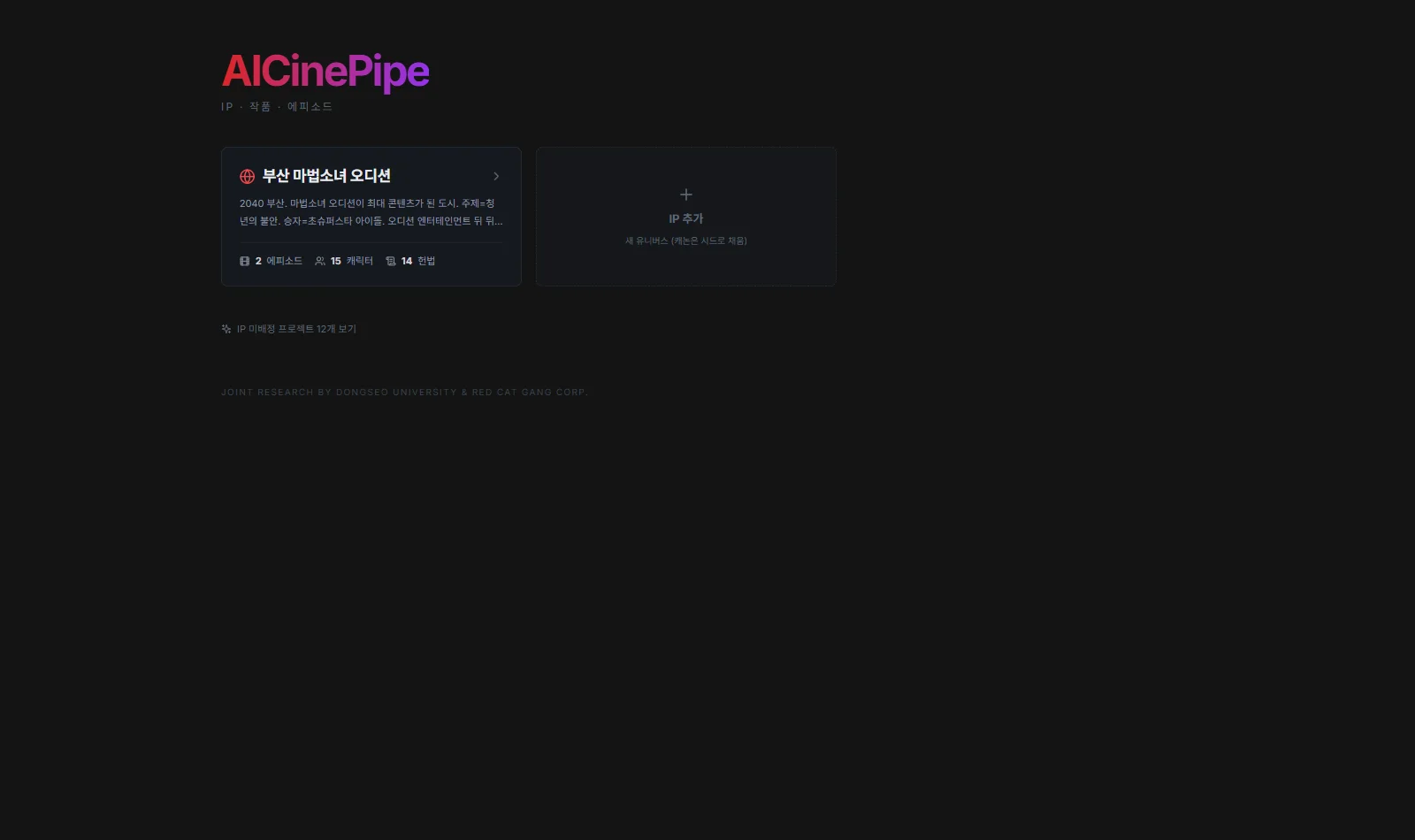
AICinePipe
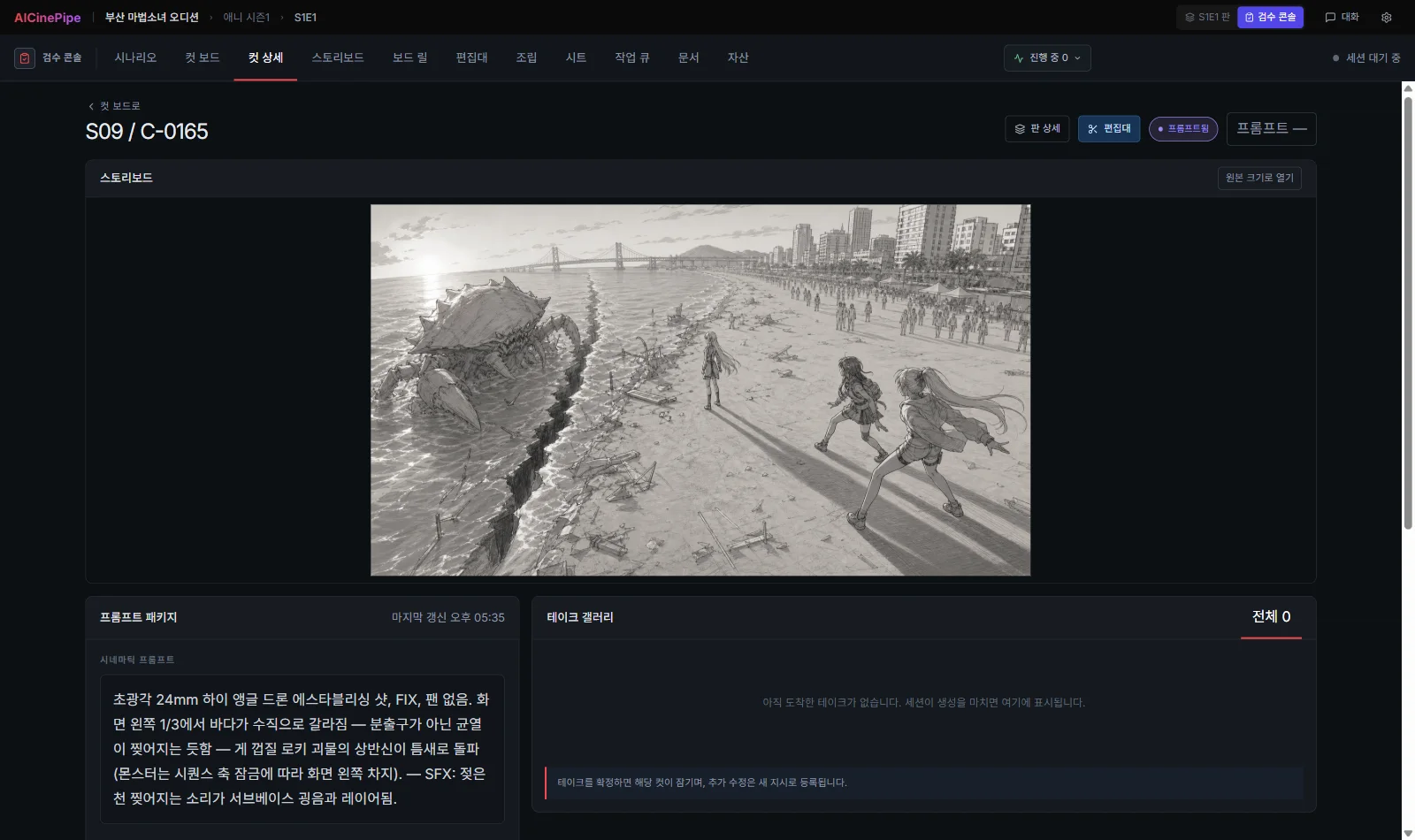
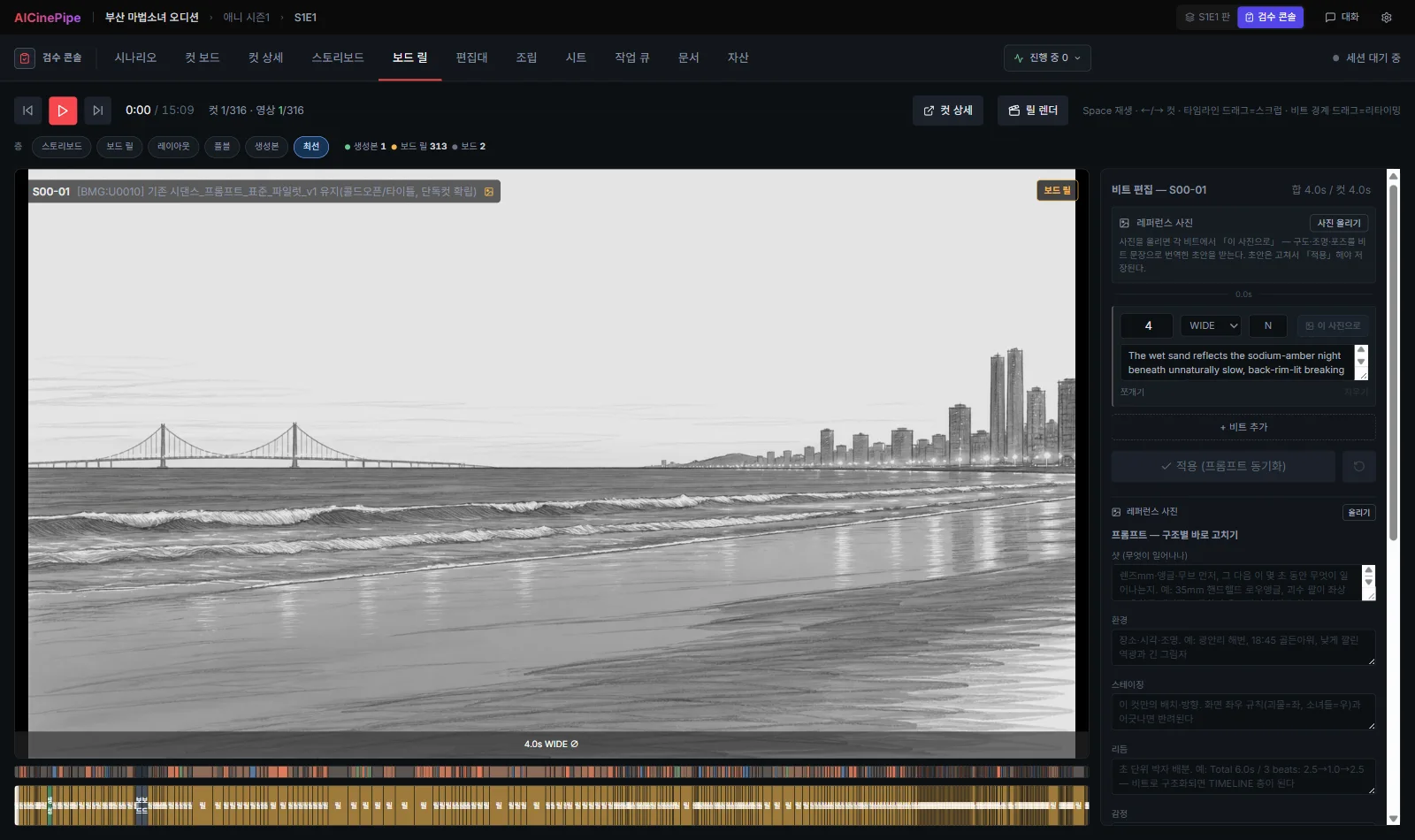
Joint research by Dongseo University × Red Cat Gang. A production system that manages an entire episode shot by shot.
PROBLEM
A short clip is no longer the hard part.
What comes after it is.
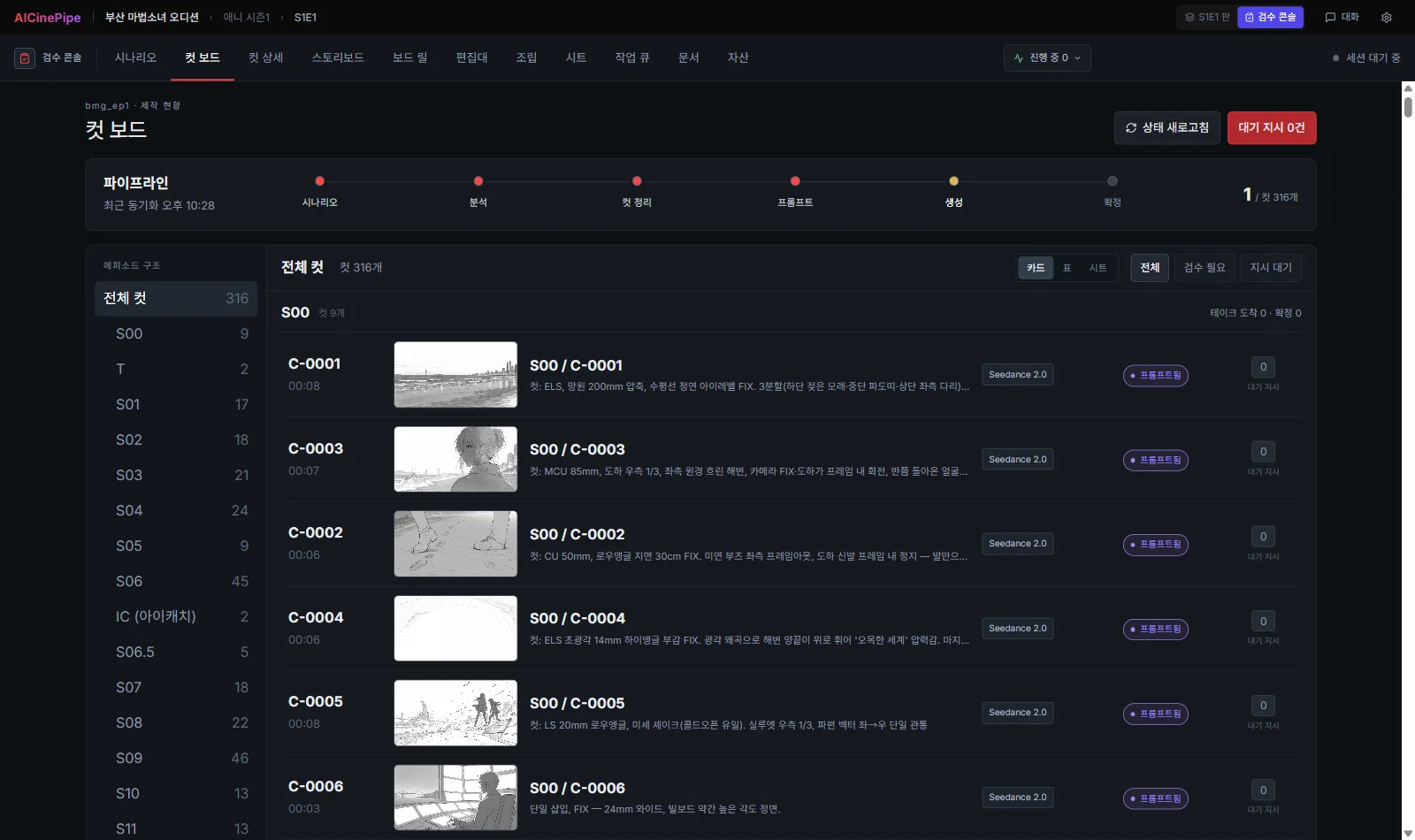
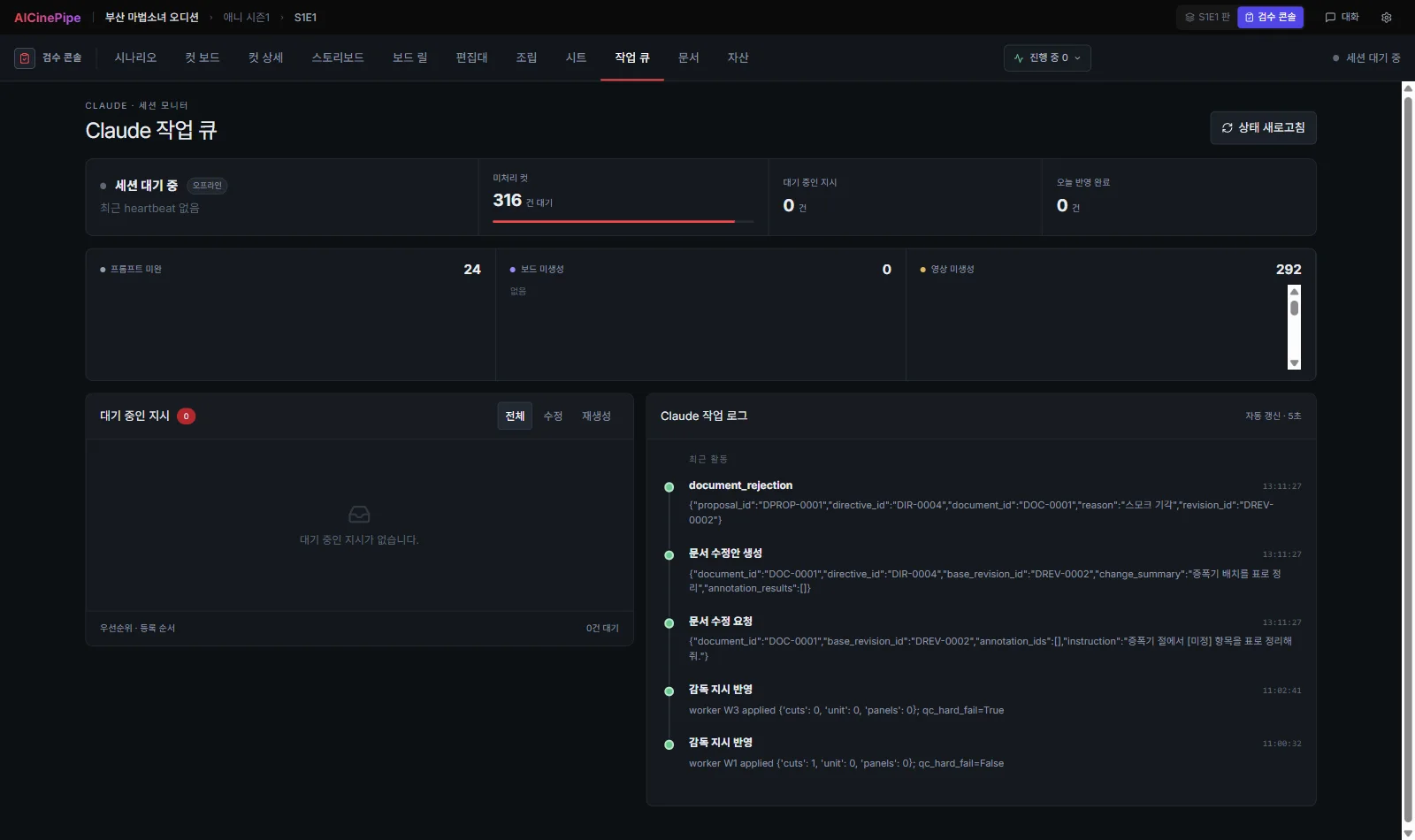
Once a project grows to hundreds of shots, no one knows what is finished and what is behind schedule. It falls apart because it cannot be managed, not because the technology is lacking.
SOLVED
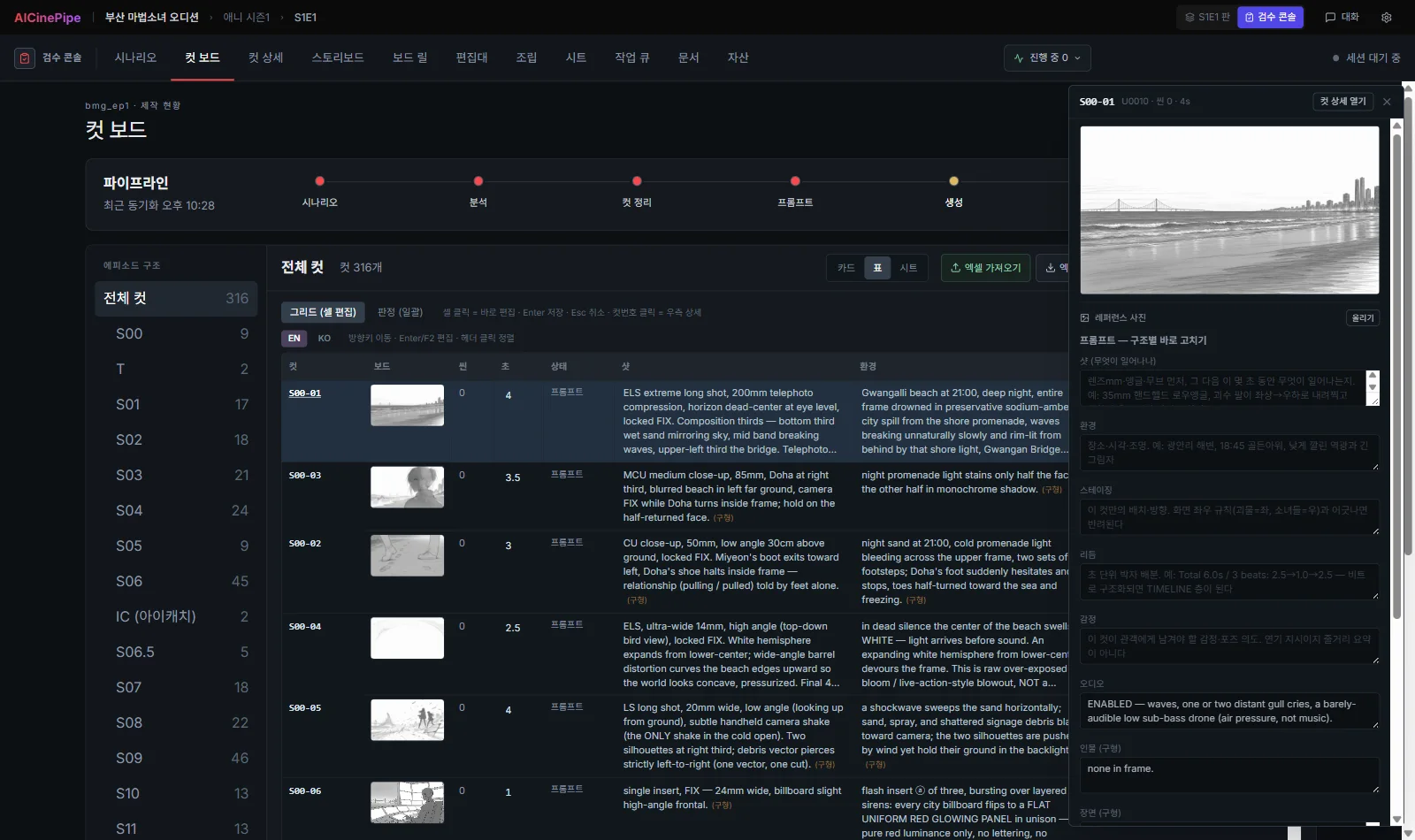
Manage an entire episode
on one screen.
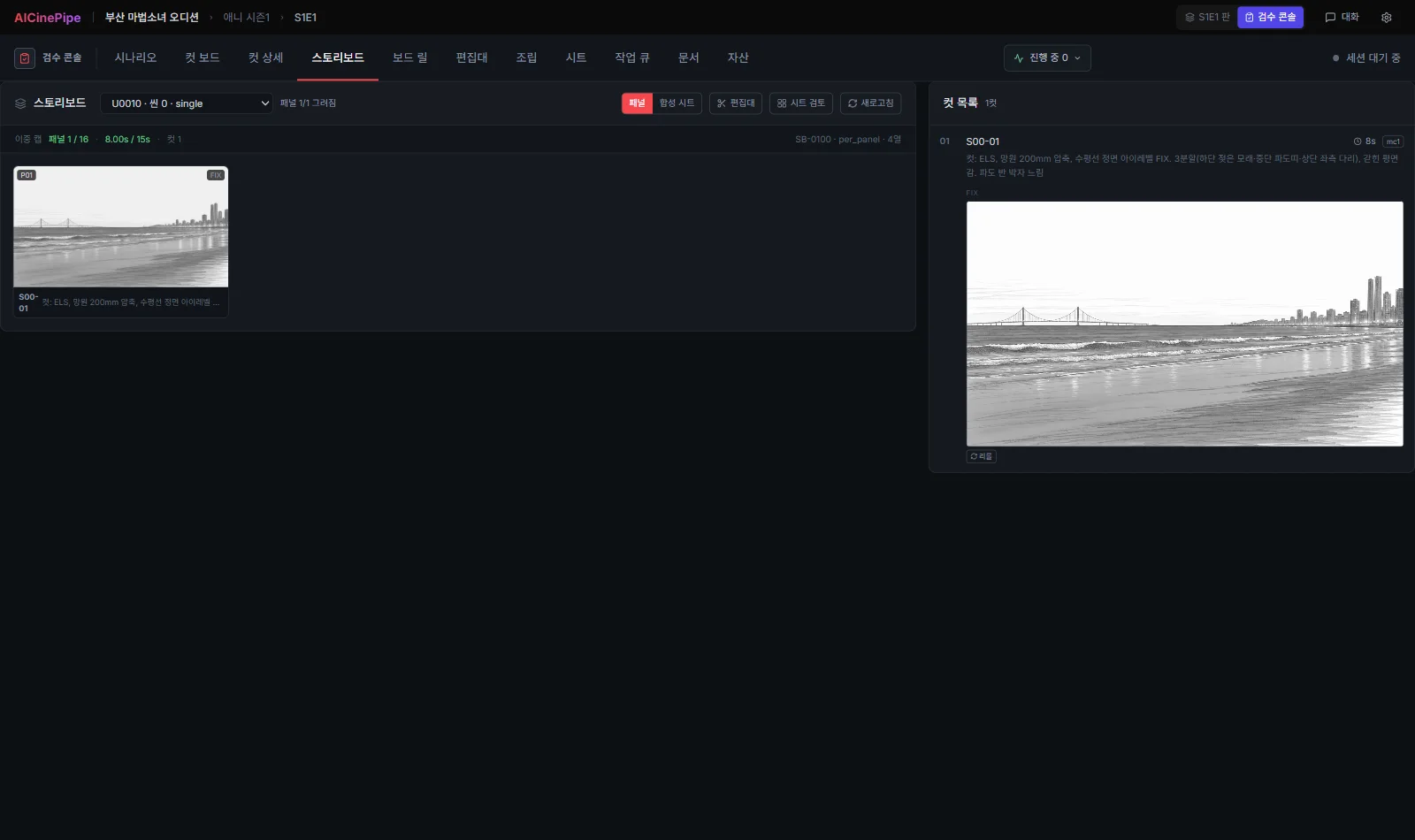
See the current stage of all 316 shots in real time. Nothing enters the final work unless a person selects it.
SCREENS
02 — TRANSMEDIA
RCG Canon OS
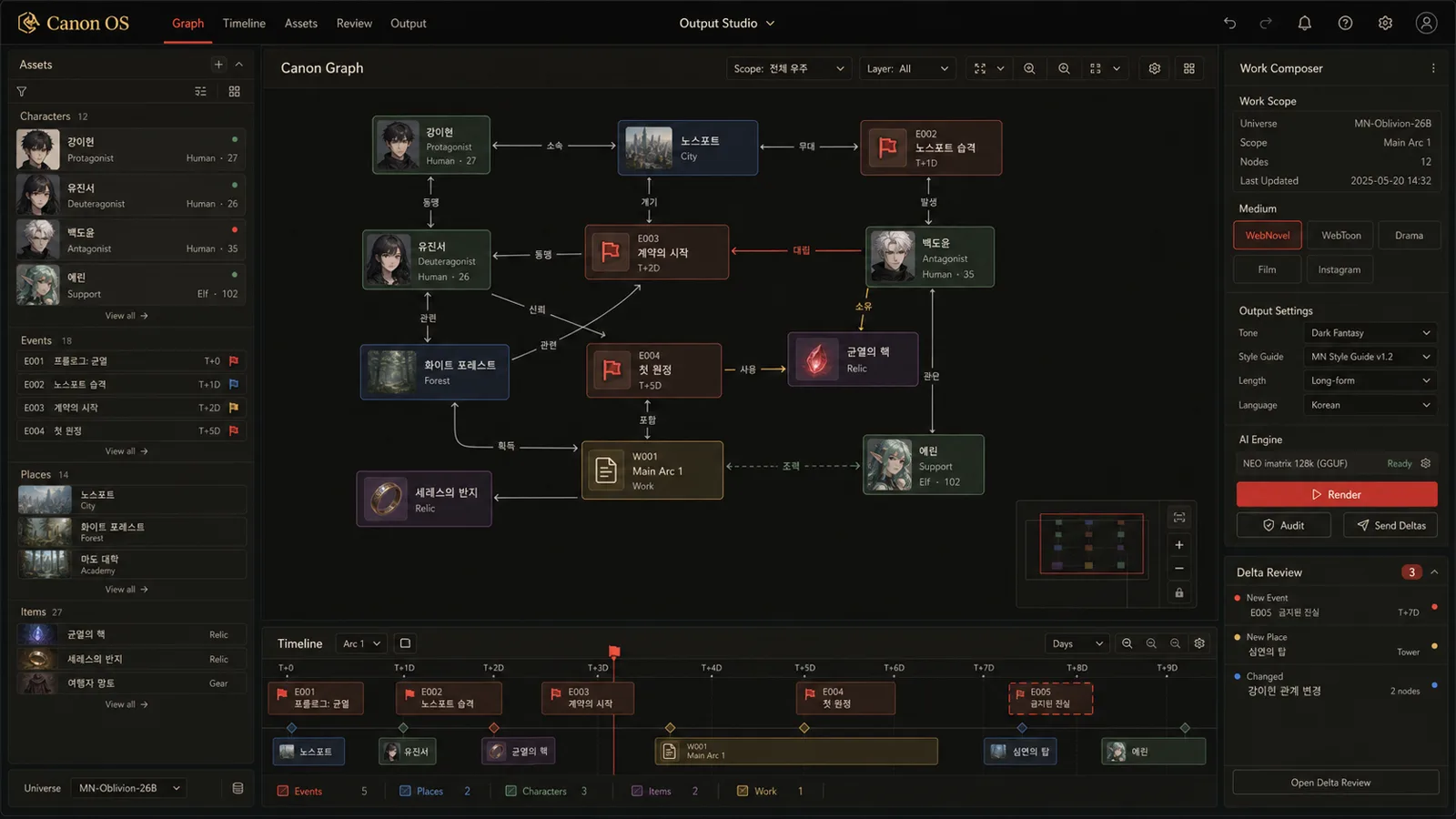
An engine that manages a fictional world as an asset and publishes it across multiple media.
PROBLEM
Fictional worlds fall apart
as they grow.
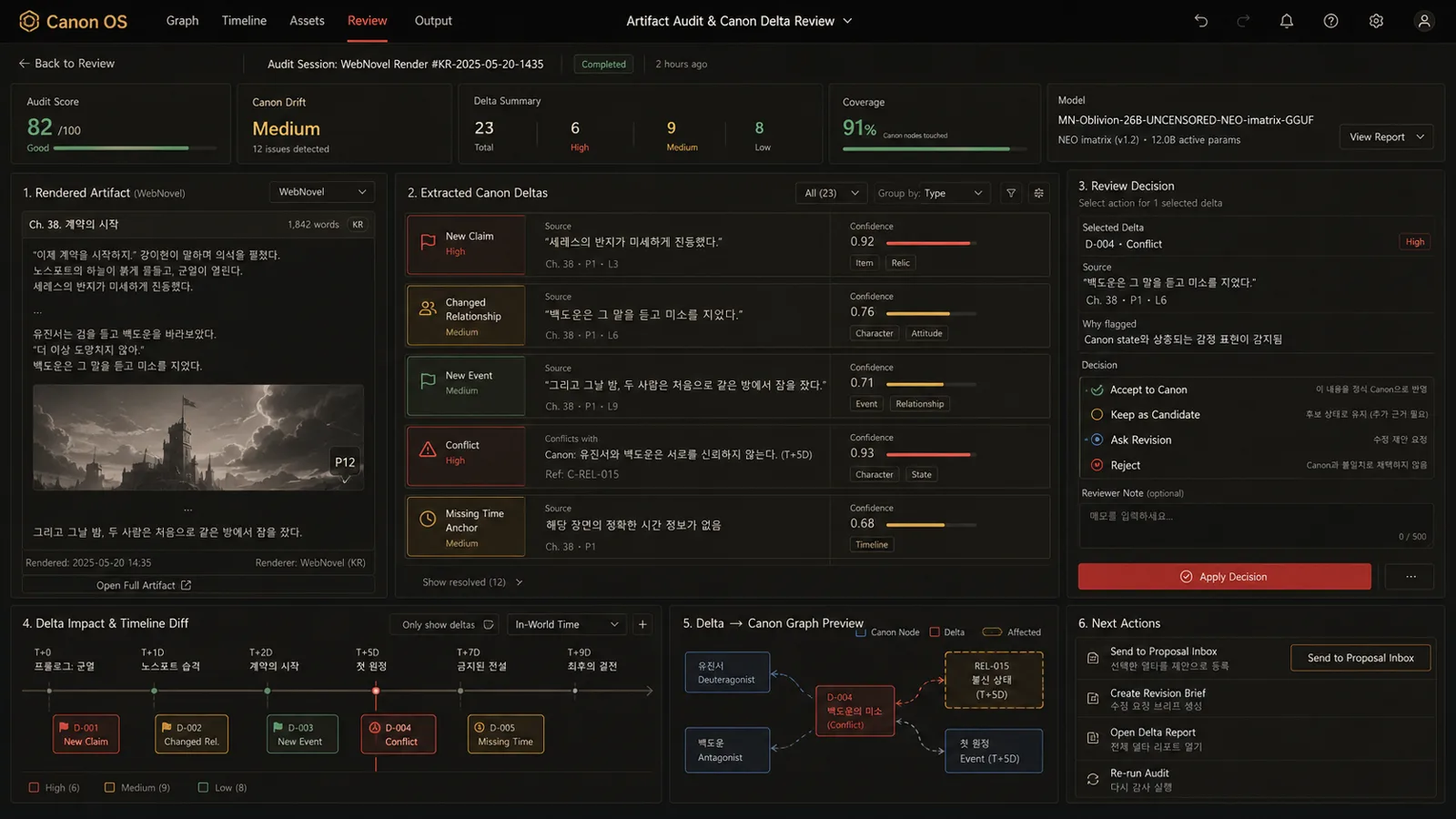
Something established in episode 3 is contradicted in episode 27. It gets worse as more media are added. Before long, the character in the webtoon and the same character in the novel have become different people. This is why transmedia is harder than it sounds.
SOLVED
Treat the fictional world as an asset,
not a document.
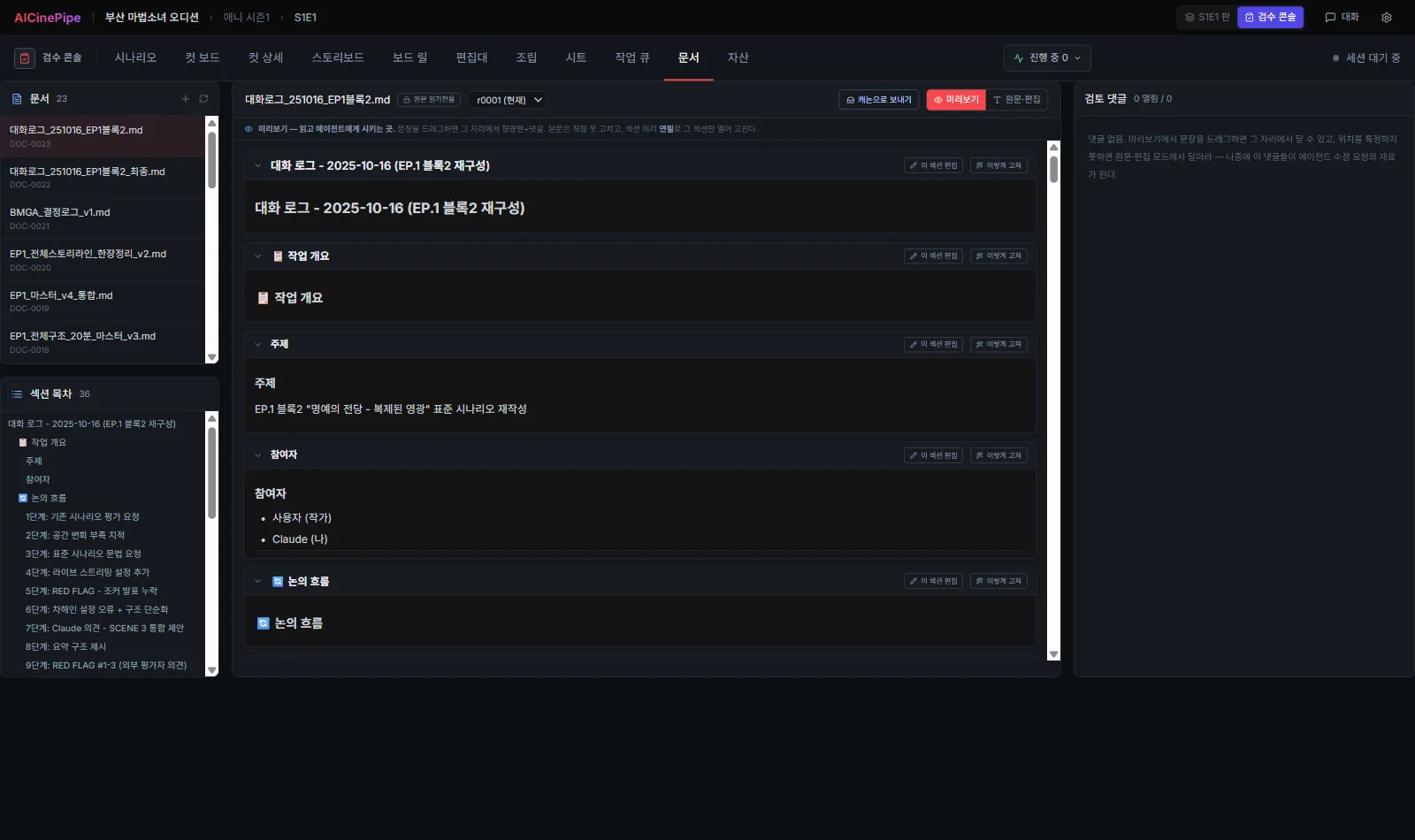
Everything created by AI is stored only as a candidate. Only material approved by a person becomes canon. Web novels, webtoons, dramas, and social media content all come from that single canon.
SCREENS
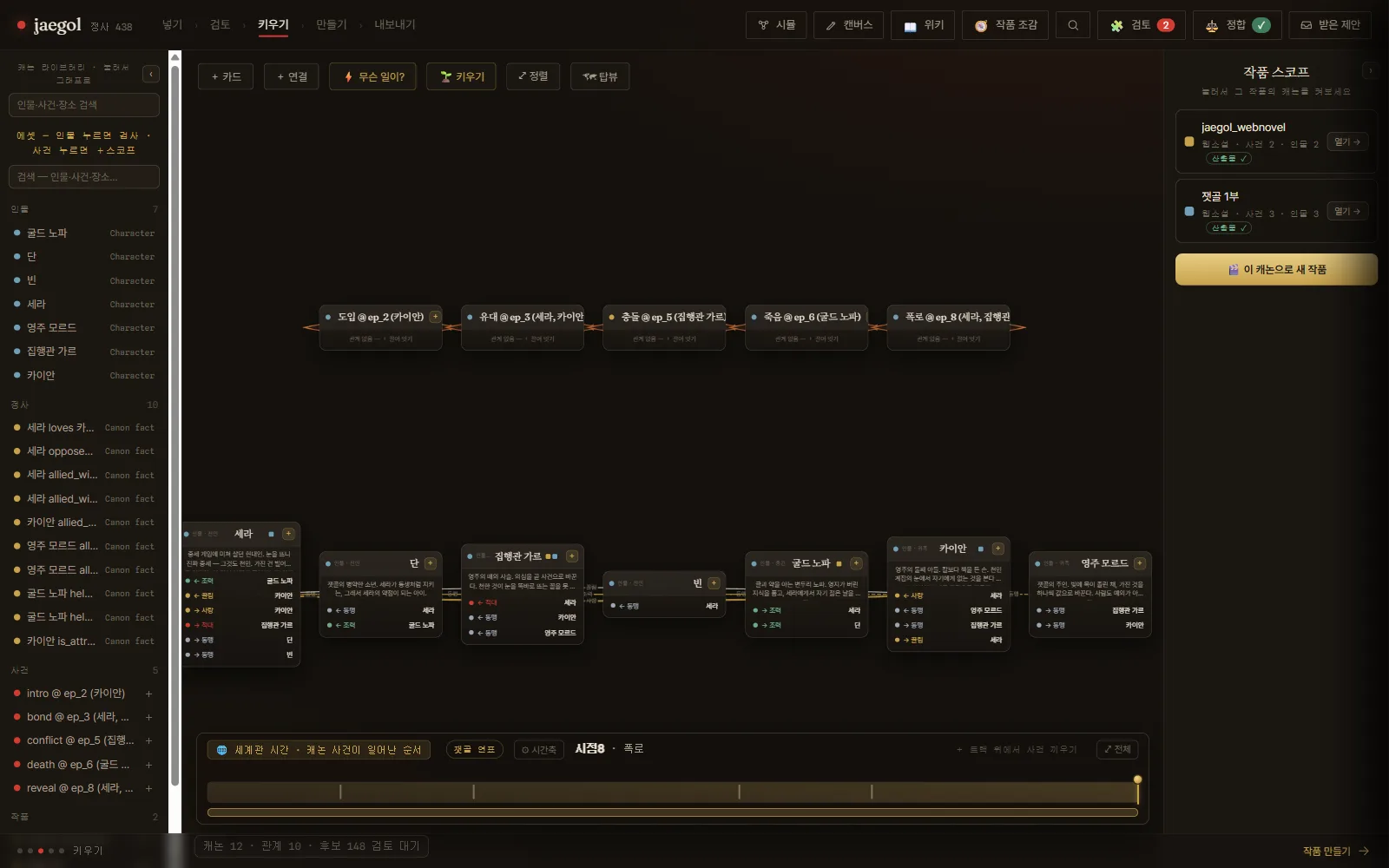
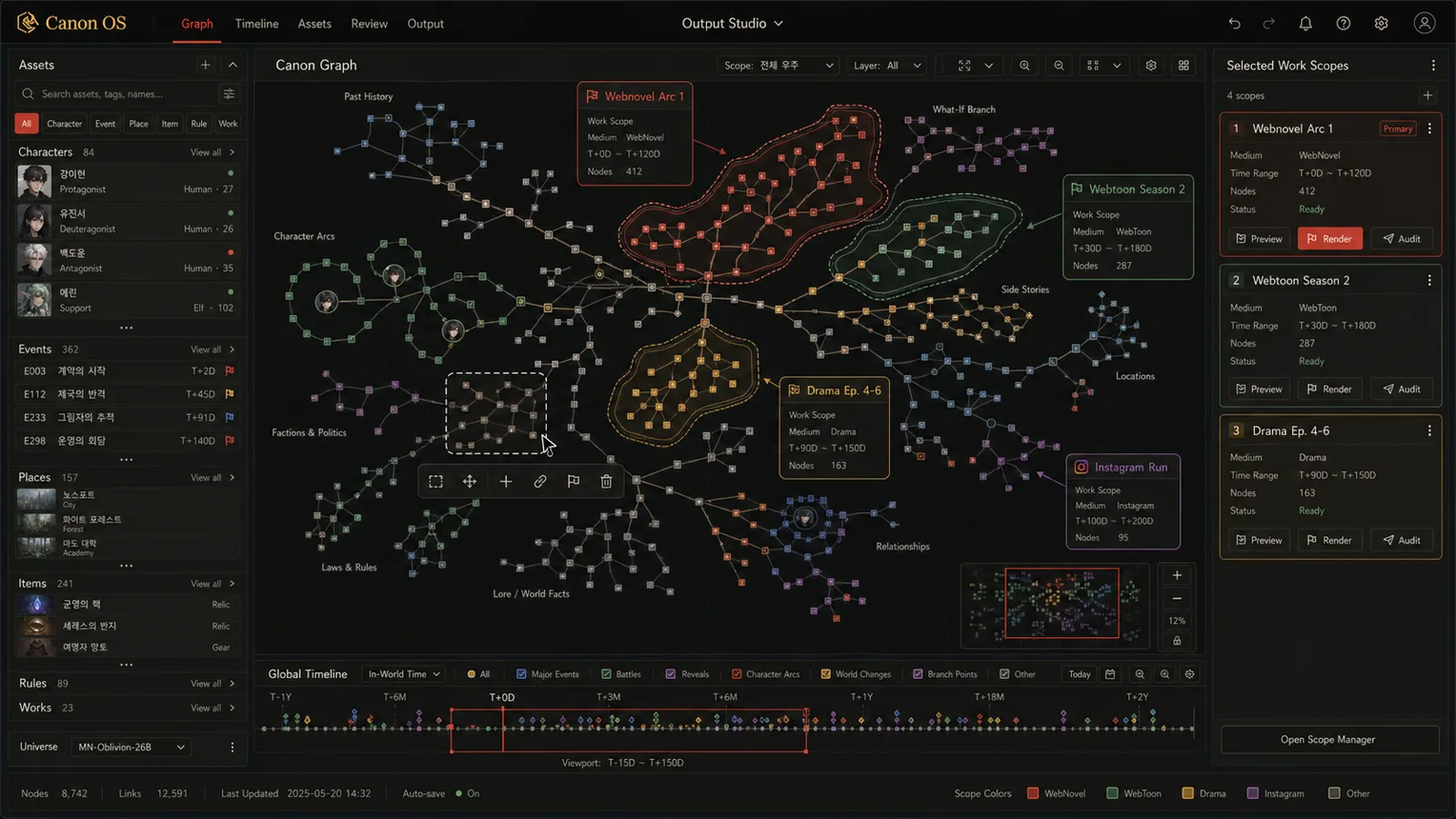
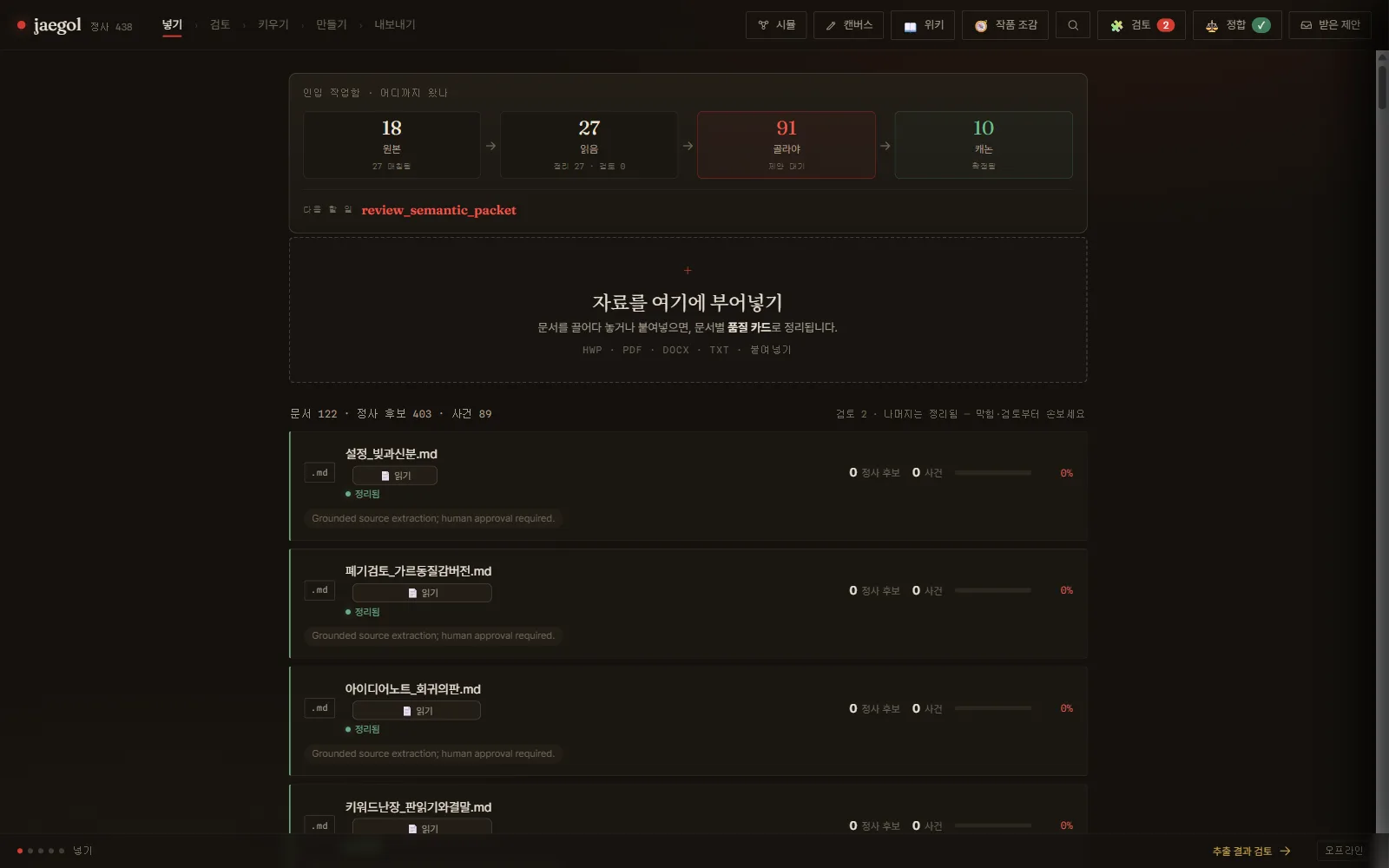
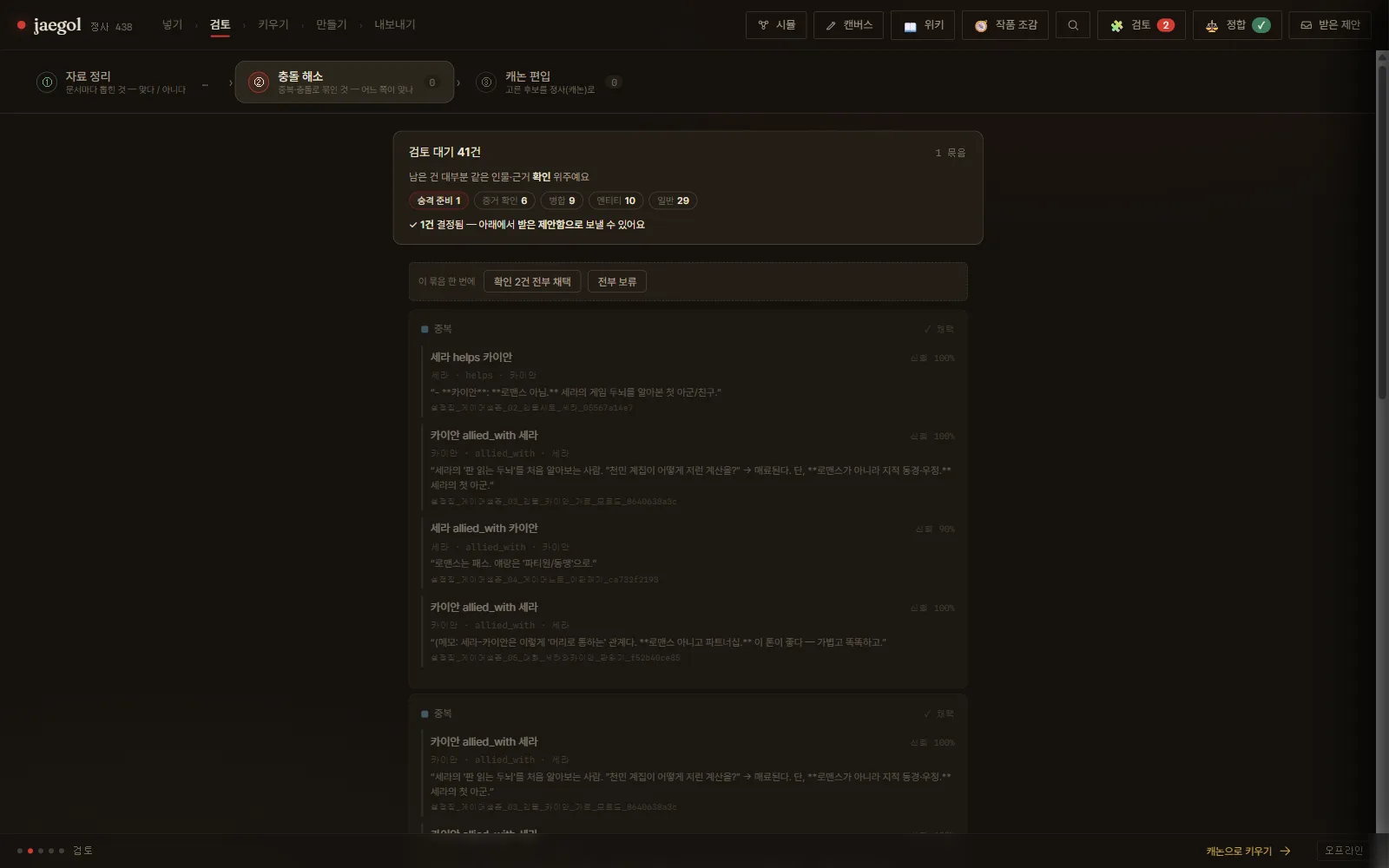
03 — TRAINING DATA
RCG LoRA Studio
A tool that records the data and settings used to train character models.
PROBLEM
Six months later,
you cannot make the same thing again.
Folder and file names cannot tell you exactly which images trained a character model or what descriptions were used at the time. If the person responsible changes, the answer is even harder to find.
SOLVED
Everything used and selected
is recorded.
The system records which images were used, who selected them, and how their descriptions were written. It works with copies and does not alter the original files.
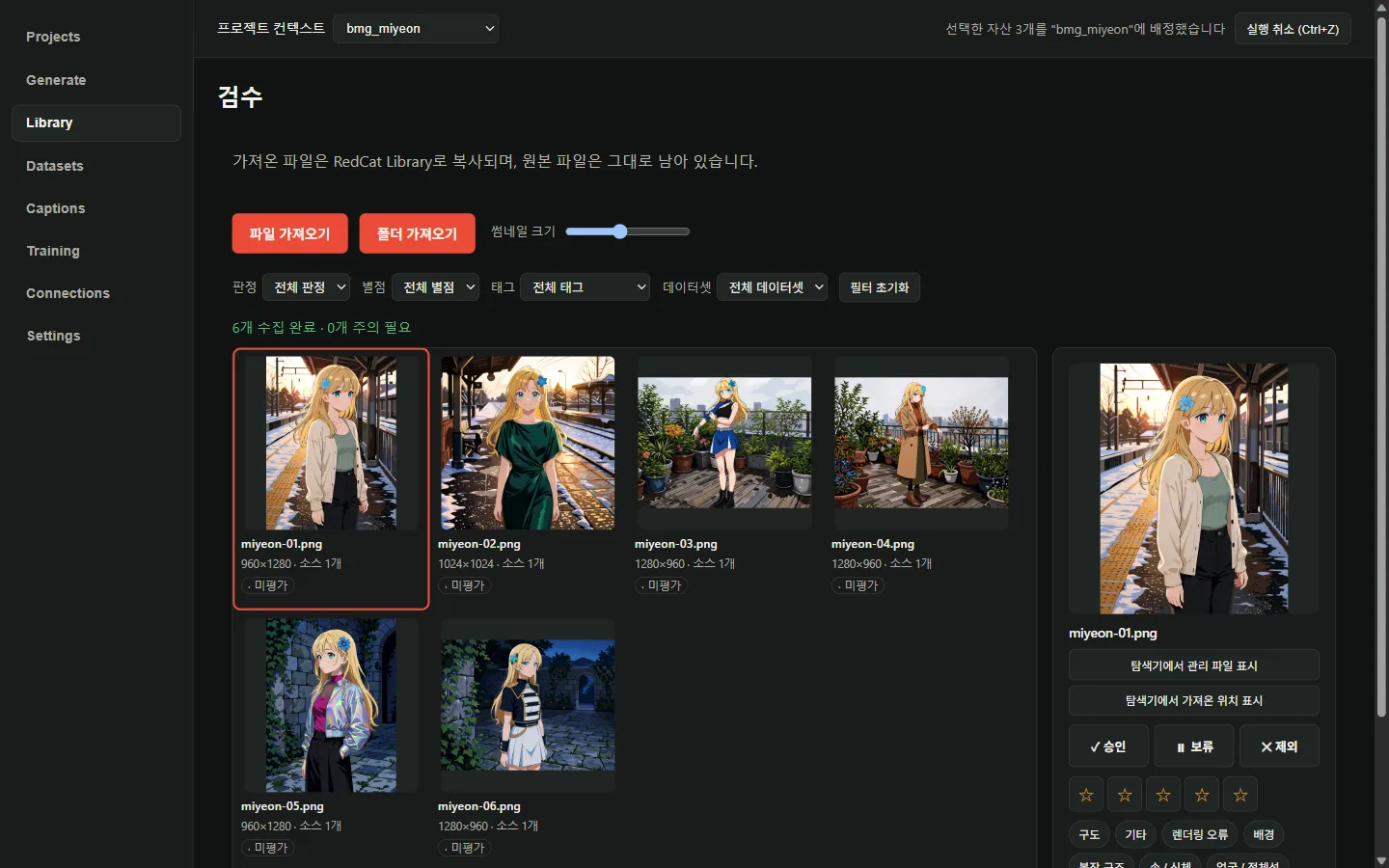
Select images for training
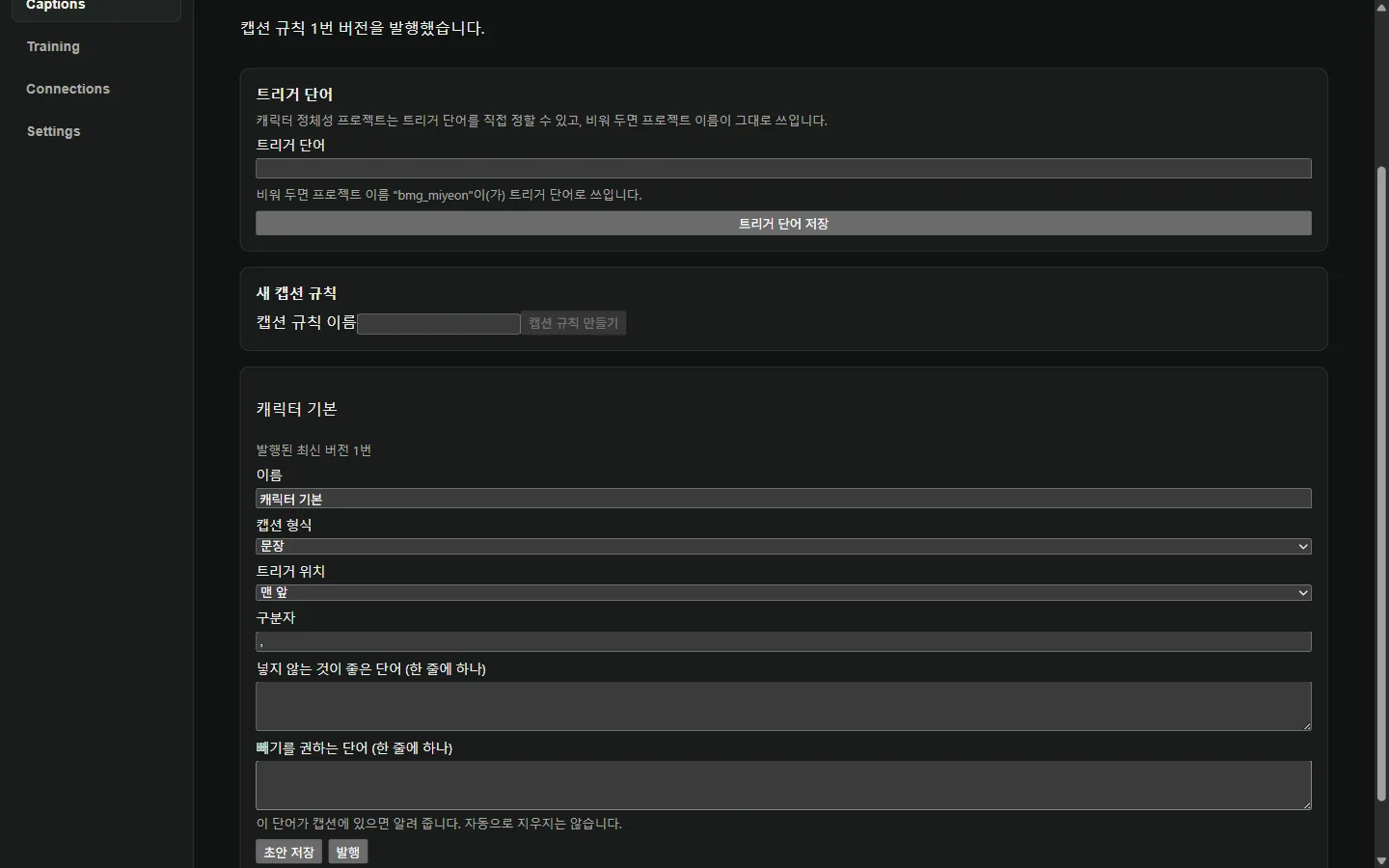
Manage descriptions through rules
When production ends, distribution begins. Our in-houseSNS Orchestratorprocesses completed content for each channel and automates its distribution.